
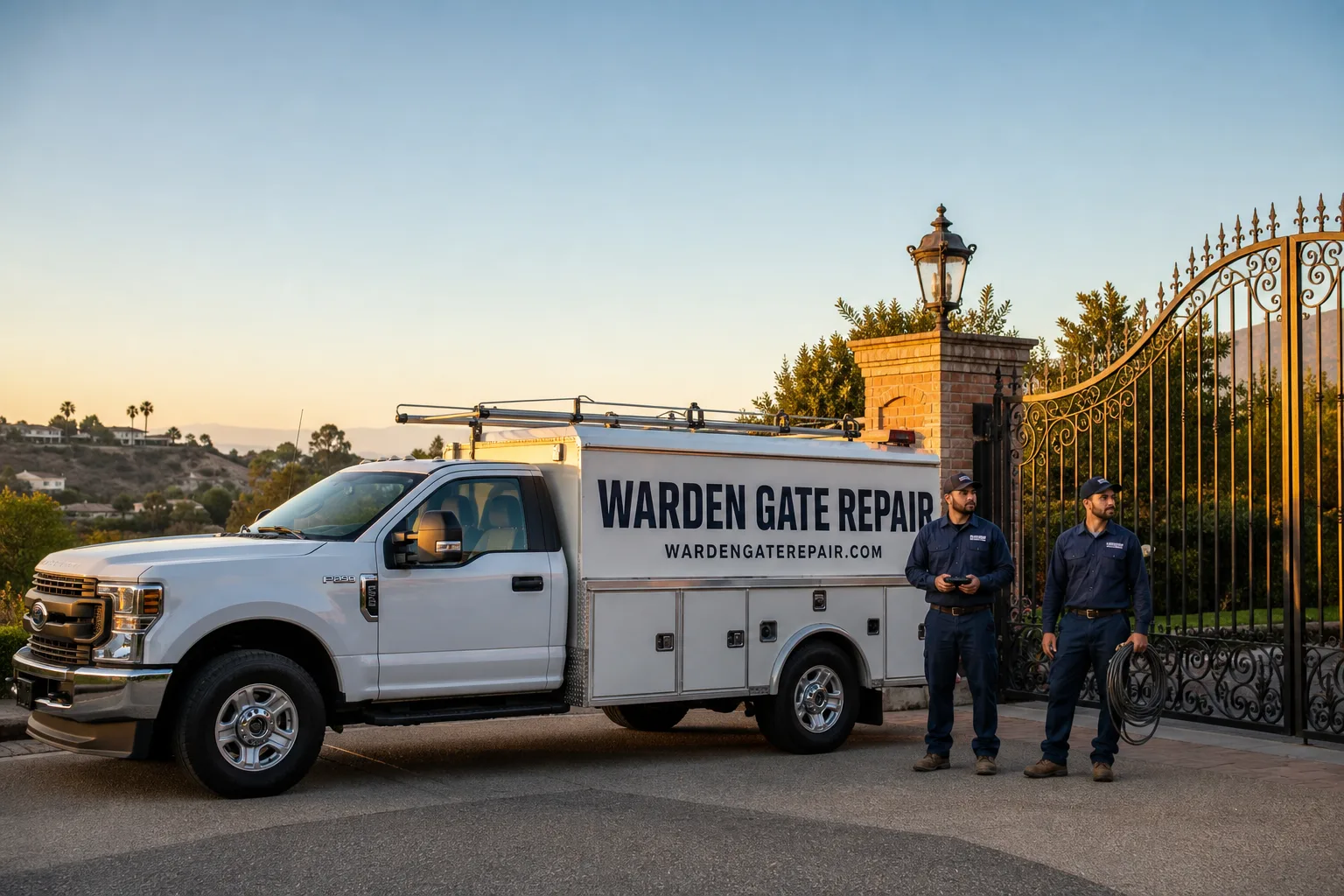
Free on-site gate assessment - hinges, posts, and your LiftMaster or Nice gate operator checked before anything is quoted
The assessment is free and the quote is the invoice.
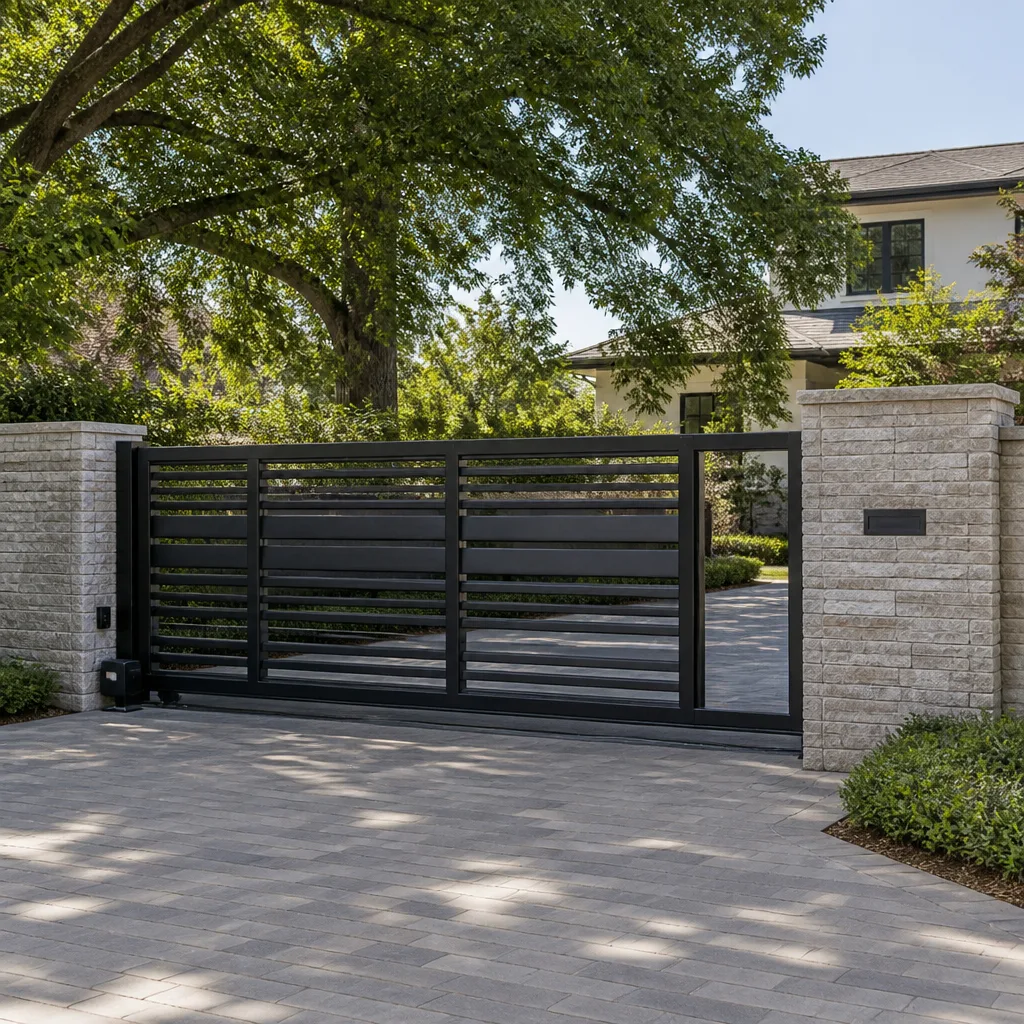
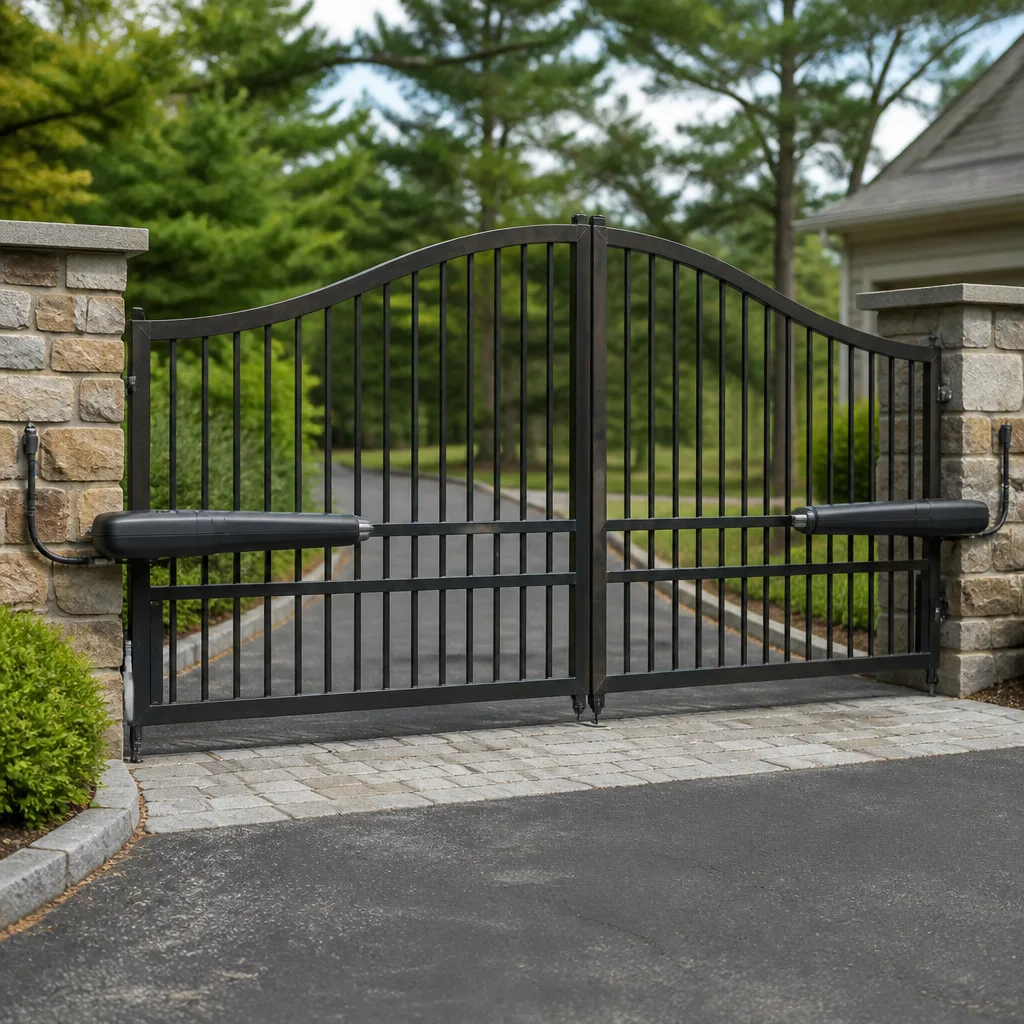
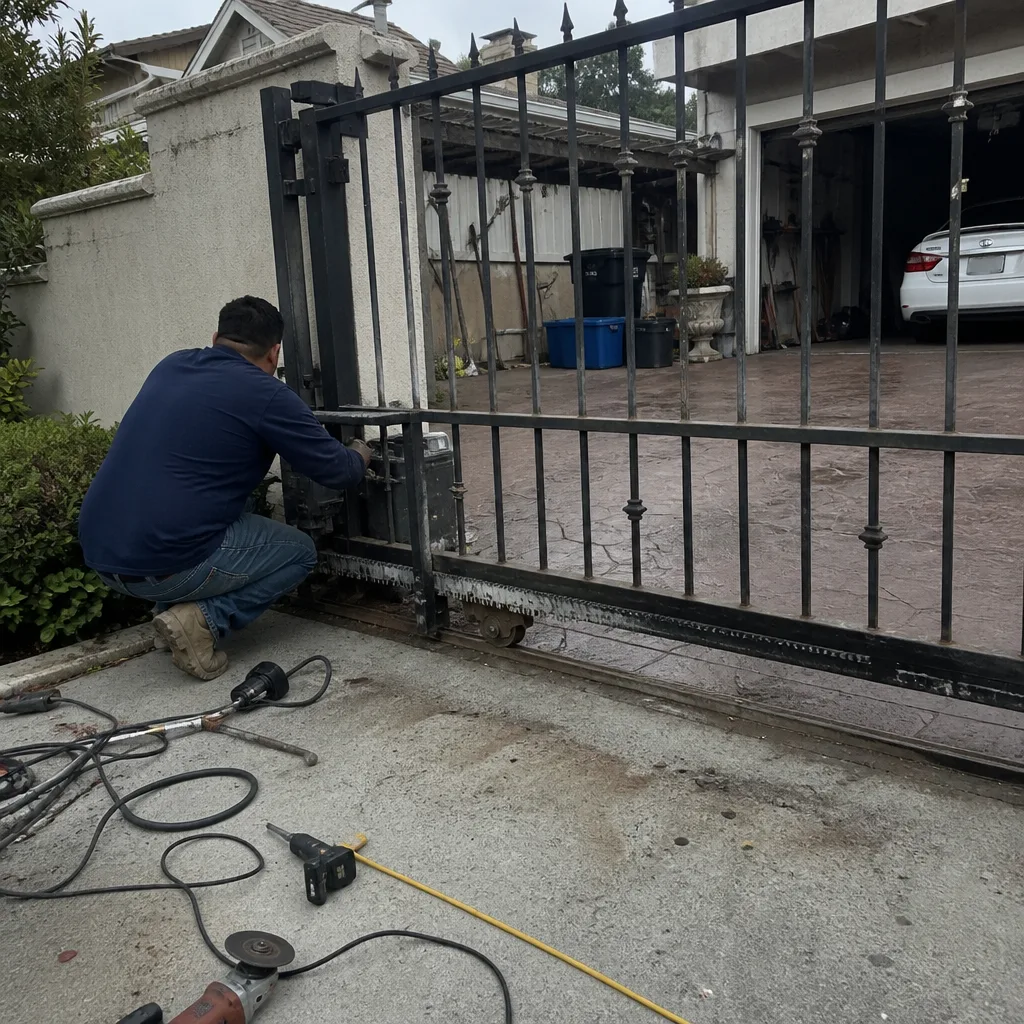 Before
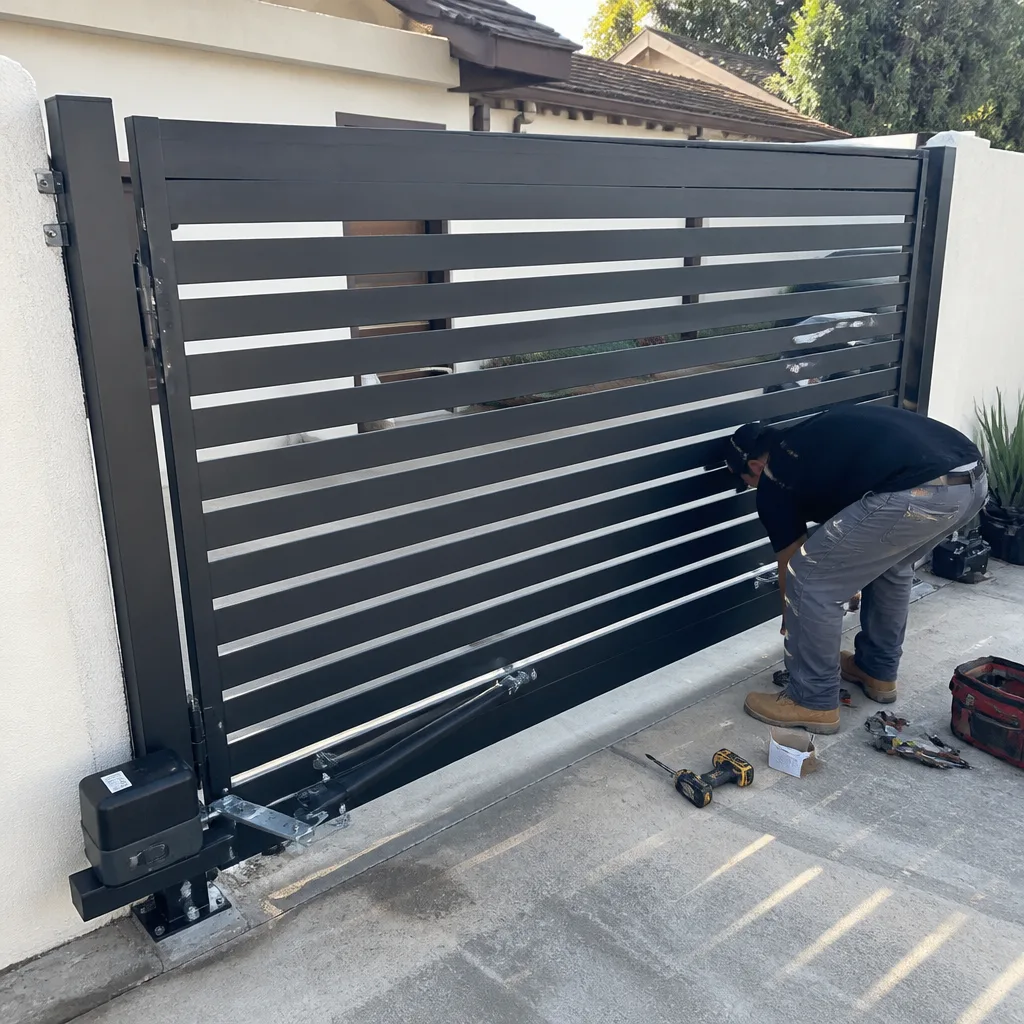 After
After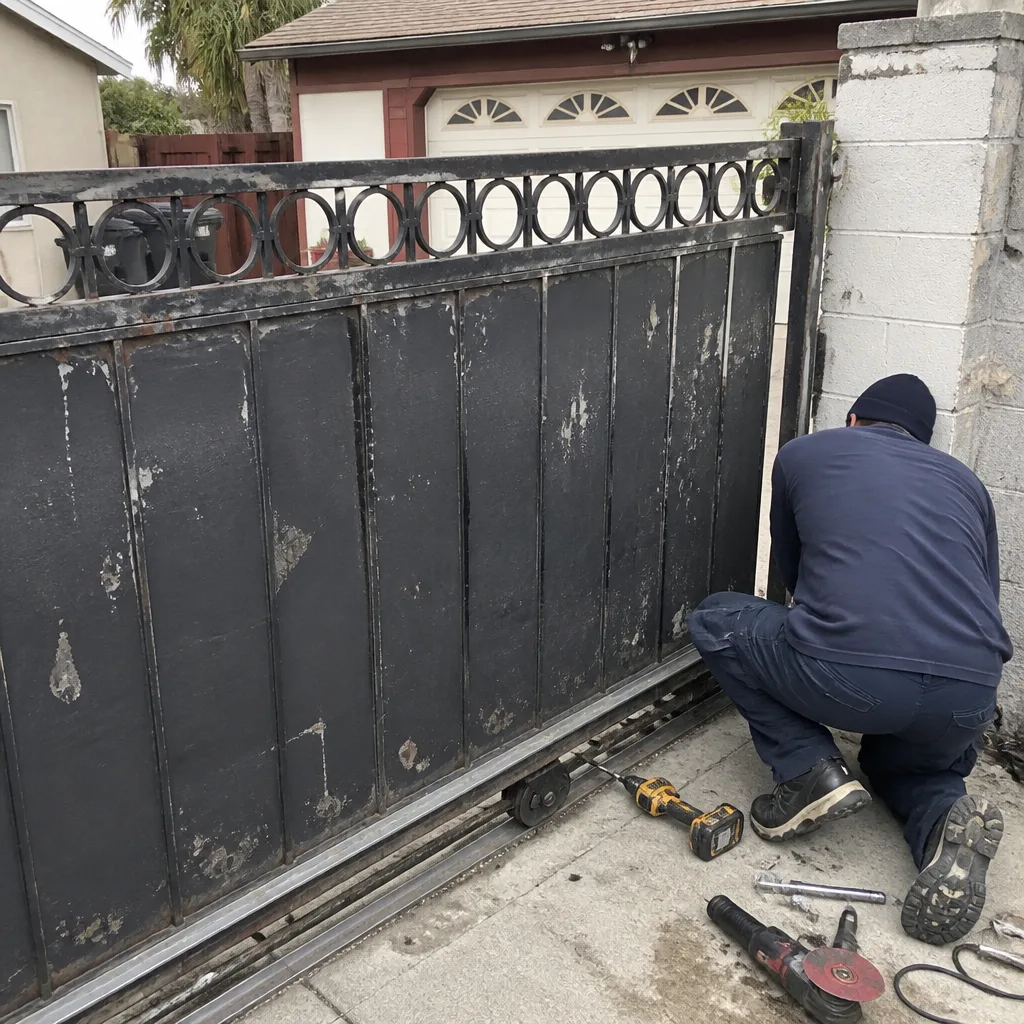 Before
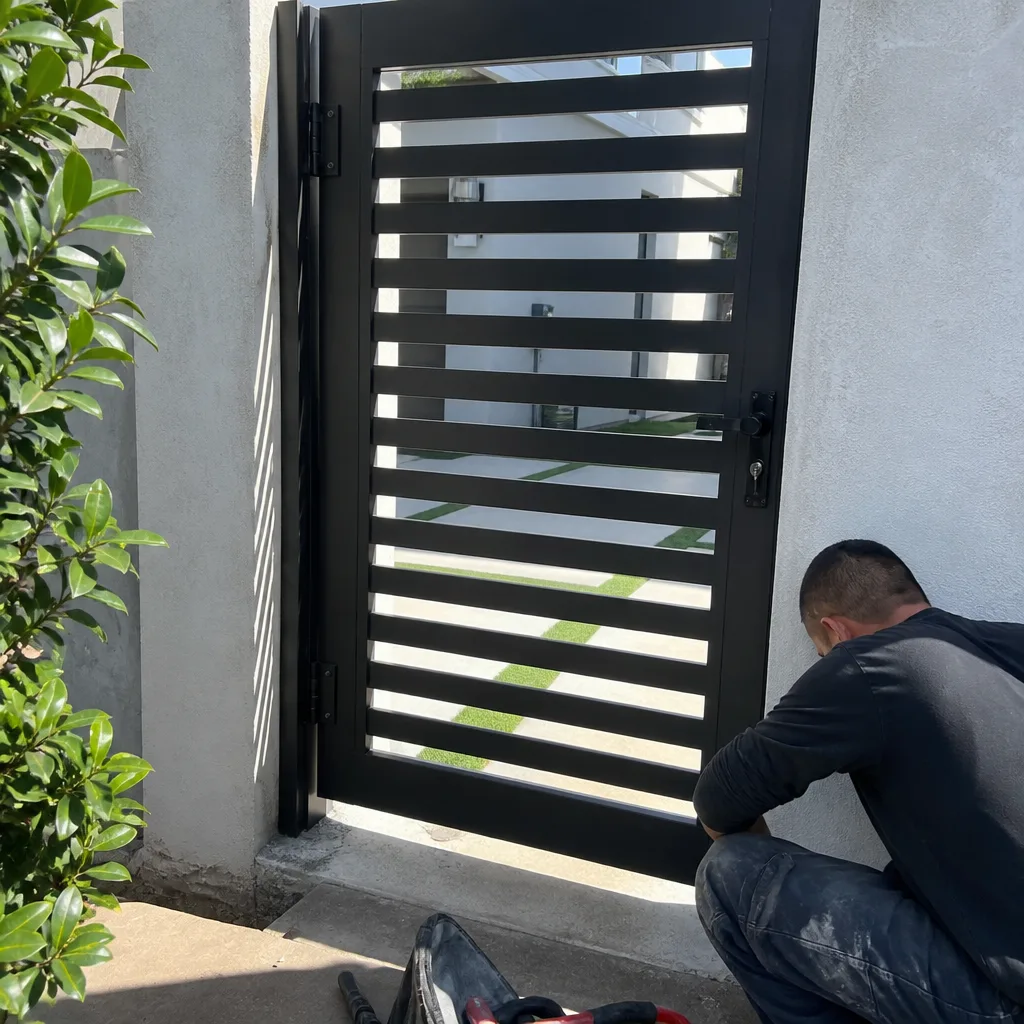 After
After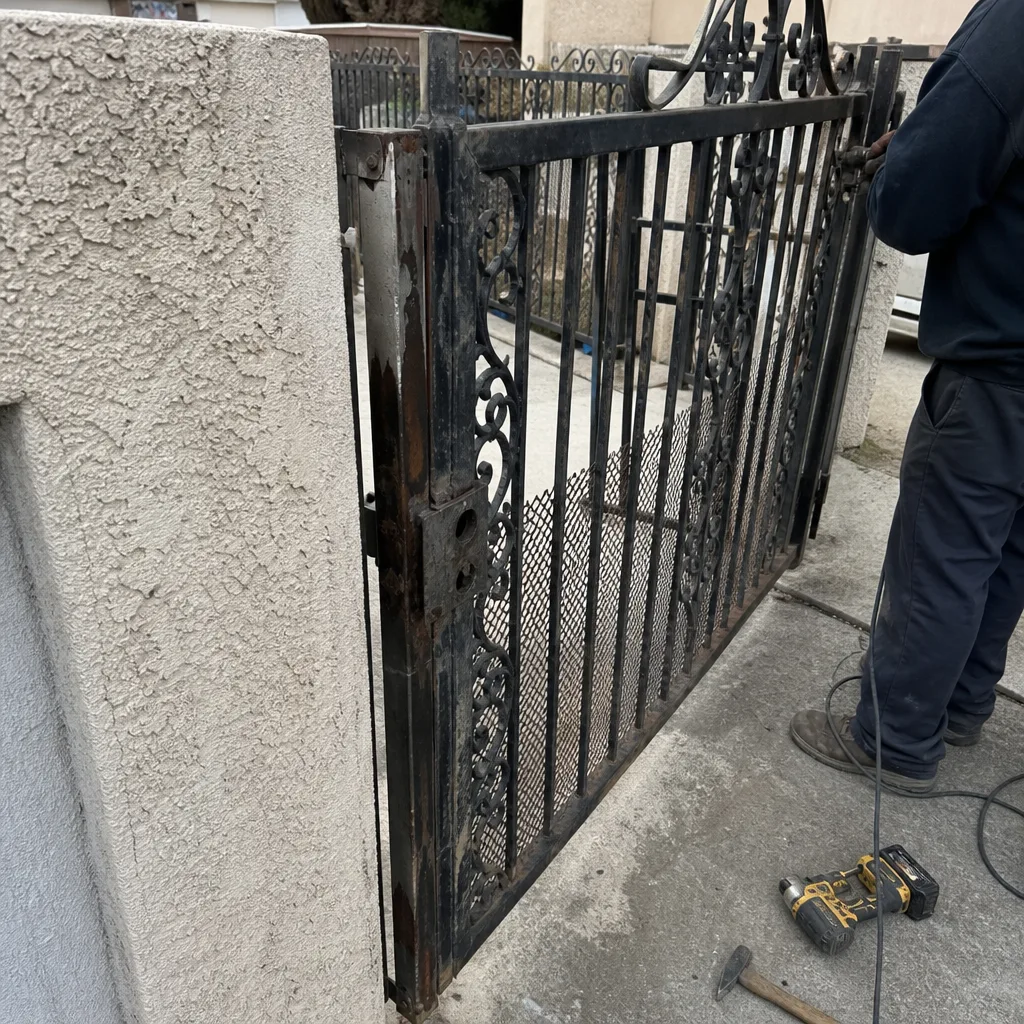 Before
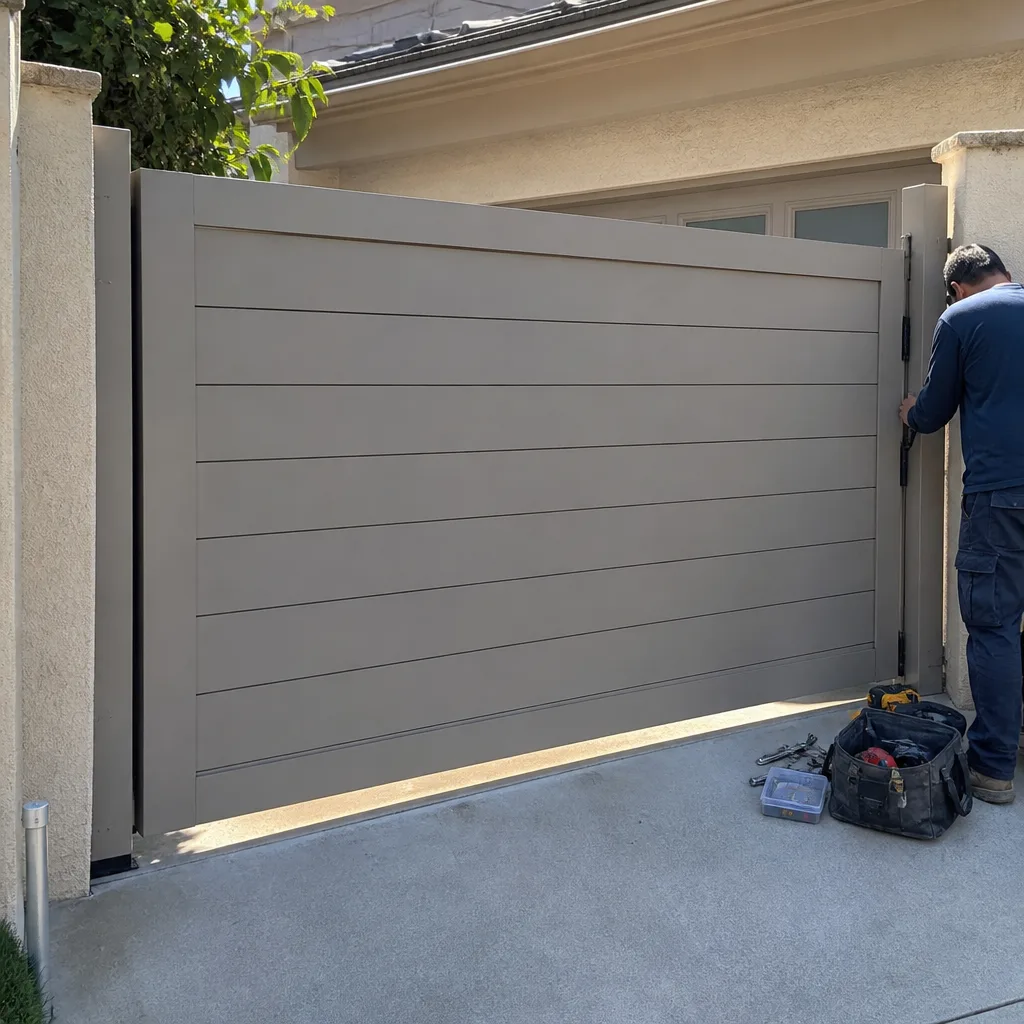 After
AfterGate Remote or Keypad Stopped Working
When your gate remote or keypad stops responding, the cause is almost always one of four things: a dead or weak battery, a lost signal between the remote and the receiver, a programming glitch, or a fault in the gate control board or receiver unit itself. Most of the time, it is not the motor or the gate’s mechanical system – it is the communication link between you and the opener.
That distinction matters because it changes how urgent the problem is and what gets fixed. A dead battery is a five-minute swap. A failed control board is a different visit entirely. The steps below will help you figure out which situation you are actually in before anyone arrives, so your local Warden Gate Repair team can show up with the right parts and the right plan.
Why It Happens
1. Dead or Weak Battery in the Remote
Remote batteries – typically CR2032 or 12-volt A23 cells, depending on the brand – lose their charge faster in cold weather and after heavy daily use. The clearest sign is a remote that works fine when you hold it two feet from the gate but fails from your driveway. If the keypad is still working but the remote is not, battery failure is the first thing to rule out. Ghost Controls, Mighty Mule, and LiftMaster remotes each use slightly different battery types, so check the back panel or the manual before buying a replacement.
2. Signal Loss or Interference
Gate remotes operate on radio frequencies – usually 315 MHz or 433 MHz – and nearby sources of interference can knock out that signal without touching the hardware at all. New LED light fixtures installed near the gate, a neighbor’s new wireless router, or even a recently added smart-home hub have all been known to cause sudden and baffling remote failures. The tell is this: if the keypad at the gate post still opens it fine but the remote does not work from any distance, interference or a detuned receiver antenna is a likely culprit.
3. Lost or Corrupted Programming
Gate openers from brands like LiftMaster, Linear, and FAAC store remote codes in memory. A power surge, a prolonged outage, or simply an accidental button combination can wipe that memory and leave the opener with no code to recognize. If the remote and keypad both stopped working at the same time – especially right after a storm or a power interruption – this is the most likely explanation. The gate’s motor will still run if you trigger it manually at the unit, which confirms the motor is fine and the issue is in the programming.
4. Failed Control Board or Receiver
The control board is the brain of an electric gate opener. It receives the signal from your remote or keypad, interprets it, and tells the motor what to do. When the board or its dedicated receiver module fails, no signal gets through – period. New batteries, fresh programming, and a cleared interference path will all make no difference. A failed board often comes with other symptoms: a display that shows unusual error codes, a gate that behaves erratically on its own, or an opener that responds to the hardwired wall button but not to any remote. If you are seeing that combination, the board itself likely needs to be replaced or reset at the component level.
What to Do Right Now
- Replace the remote battery first. It takes two minutes and rules out the most common cause before anything else. Note the battery type printed inside the battery compartment and match it exactly.
- Test the keypad separately. If the keypad opens the gate and the remote does not, you have isolated the problem to the remote itself – battery or programming. If neither works, the issue is in the opener or receiver.
- Look for recent changes near the gate. New LED lights, a newly installed wireless device, or construction activity nearby can cause interference. If something changed in the last week, note it – that detail is genuinely useful when your technician arrives.
- Check for error codes on the opener’s display. Many LiftMaster, FAAC, BFT, and Elite units show a blinking light pattern or a numeric code when something is wrong. Photograph the display with your phone so the code is captured before it clears.
- Do not attempt to open the control board housing or handle the wiring yourself. The board carries live current, and gate opener wiring can hold a charge even when the unit appears off. If you suspect a board or receiver failure, leave that panel closed and call your local Warden Gate Repair team. That is the right point to hand it off.
How We Fix It
When a Warden Gate Repair technician arrives, the first thing they do is run a full diagnostic on the communication path: remote, receiver, antenna, and control board, in that order. They will test signal strength, pull any stored error codes, and confirm whether the motor and mechanical system are unaffected. From there, the repair path depends on what the diagnostic finds.
If the fix is a reprogramming – resyncing your remote or keypad to the opener – that is typically done on the same visit. If a receiver module or control board on a LiftMaster, Viking, DoorKing, or any of the other nine brands we service needs to be replaced, the technician will walk you through exactly what is needed and give you a written price before any work starts. That is not optional language around here – it is how every single job works, and it is part of the 365-Day Done Right Promise that covers every repair we make. Most remote and receiver calls are resolved in under two hours. The service that covers this is electric gate repair, and in some cases a gate motor repair diagnosis is included to confirm the motor is not contributing to the fault.
Frequently Asked Questions
A gate stuck open is a security risk – it removes the access barrier your gate exists to provide. A gate stuck closed is an inconvenience, but if it is an electric gate that cannot be released to manual mode, it can also block emergency vehicle access to your property, which is a real concern. Either way, a non-responsive gate is not a “wait a few days” situation. Call (828) 426-7081 and your local Warden Gate Repair team will help you figure out the right response time for your specific setup.
In most cases, yes – your local Warden Gate Repair team prioritizes gate access calls because a gate that will not open or close affects your daily routine and your security. Call (828) 426-7081 and a live person will answer, get your details, and tell you exactly when a technician can be there. No voicemail, no automated callback queue – a real conversation, start to finish.
Yes. Before the technician leaves for your location, you will receive their name and photo. When they arrive, they will show a photo ID badge at the door. This is the Threshold Standard – it applies to every Warden Gate Repair visit, every time, without exception. If anyone arrives who you were not told to expect, that visit is on us.
The price depends on whether the fix is a reprogramming, a receiver replacement, or a control board repair – and that is determined by the on-site diagnostic. What we can tell you now is that you will receive a written price before any work begins, and the estimate is free. There are no surprise line items when the job is done. Call (828) 426-7081 to schedule your free estimate.
Get It Fixed
Call (828) 426-7081 – a live person answers 24 hours a day, 7 days a week. Your local Warden Gate Repair team will diagnose the problem, give you a written price before anything starts, and back the repair with the 365-Day Done Right Promise. Book online or call now.
Written by Cole Rafferty, Owner at Warden Gate Repair, part of the Threshold Group family serving communities nationwide since 2008.
What Our Customers Say
"Fair price and no pushing a whole new gate when all I needed was a new motor capacitor."
- Shirley A."The vetted tech thing was important since our gate protects the whole property. Careful, polite, and walked me through every safety sensor."
- Russell W."Swing gate wouldn't latch after the hinge sagged. He re-hung it, adjusted the hinge pins, and fixed the latch. Quoted before starting."
- Annette R.